
Moderation
Real people review every new listing, and every reported conversation.
Work With Craft is moderated by hand. Every new Job posting, Developer profile, and Company is reviewed by a real person before it's approved.
Human Review
Everything new gets a look
Jobs, Developer profiles, and Companies all go through the same review. Nobody can pay to skip the line.
While a Job posting is waiting for review, it won't appear on the Jobs board.
Usually within a day
We aim to review everything within a day.
A Job posting's year doesn't start until it's approved, so time spent waiting in line doesn't count against it.
If something isn't approved
See the reason
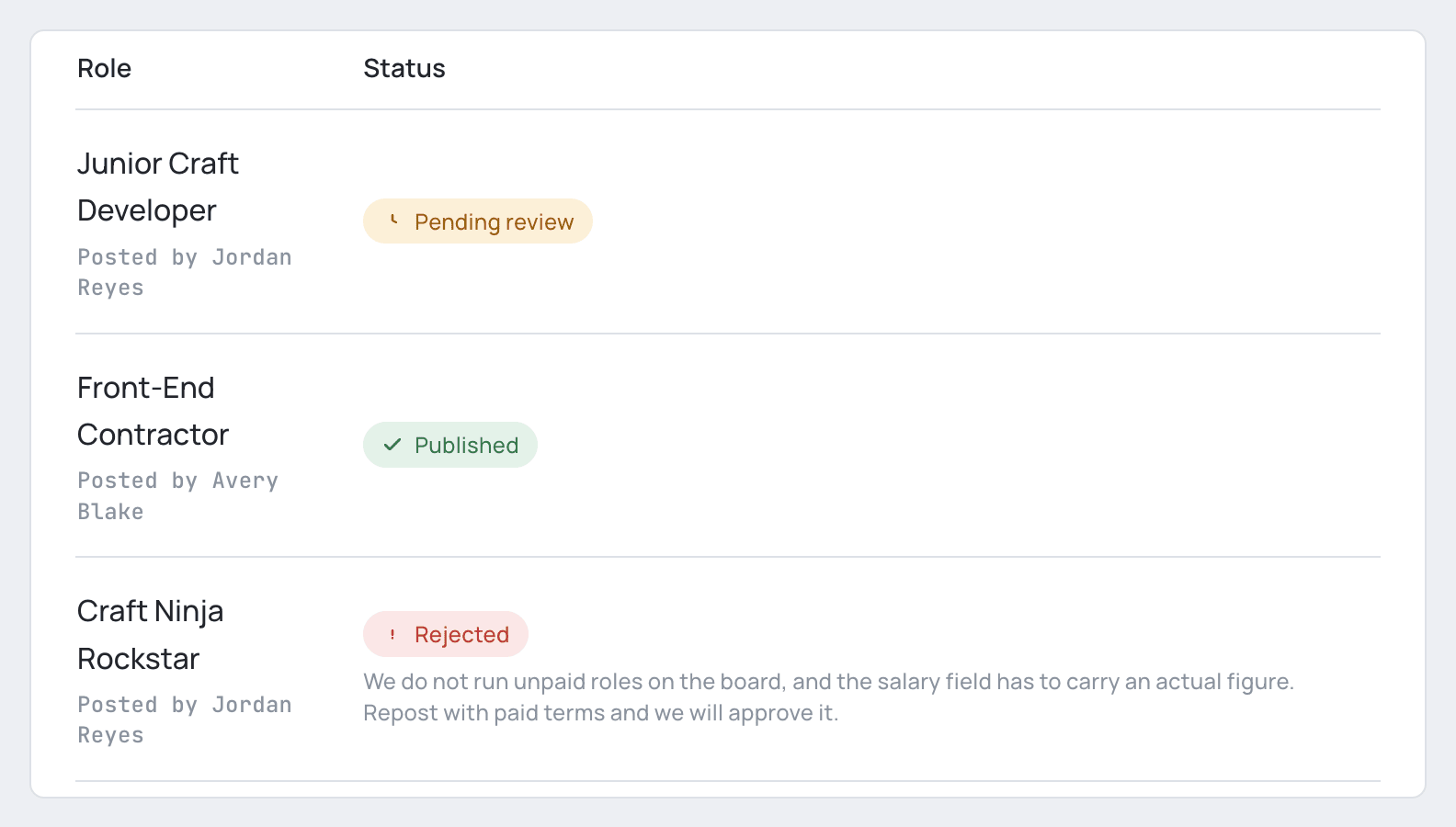
If we can't approve something, we'll email you to explain why. The reason also appears right beside it in your account.
For a Job posting, look for the Rejected label on your company's Jobs page.
Fix it and resubmit
Once you've made your changes, click Resubmit to send the posting back for review.
You can resubmit a Job posting as many times as you need.
Or withdraw it for a refund
If a rejected Job posting simply isn't a fit for Work With Craft, you can withdraw it for a full refund instead.
Unlisting and relisting
No second review
You can unlist a Job, Developer profile, or Company, then relist it later without going back through review.
Worth noting that a Job's year keeps running while it's unlisted.
Protection from abuse
Report a conversation
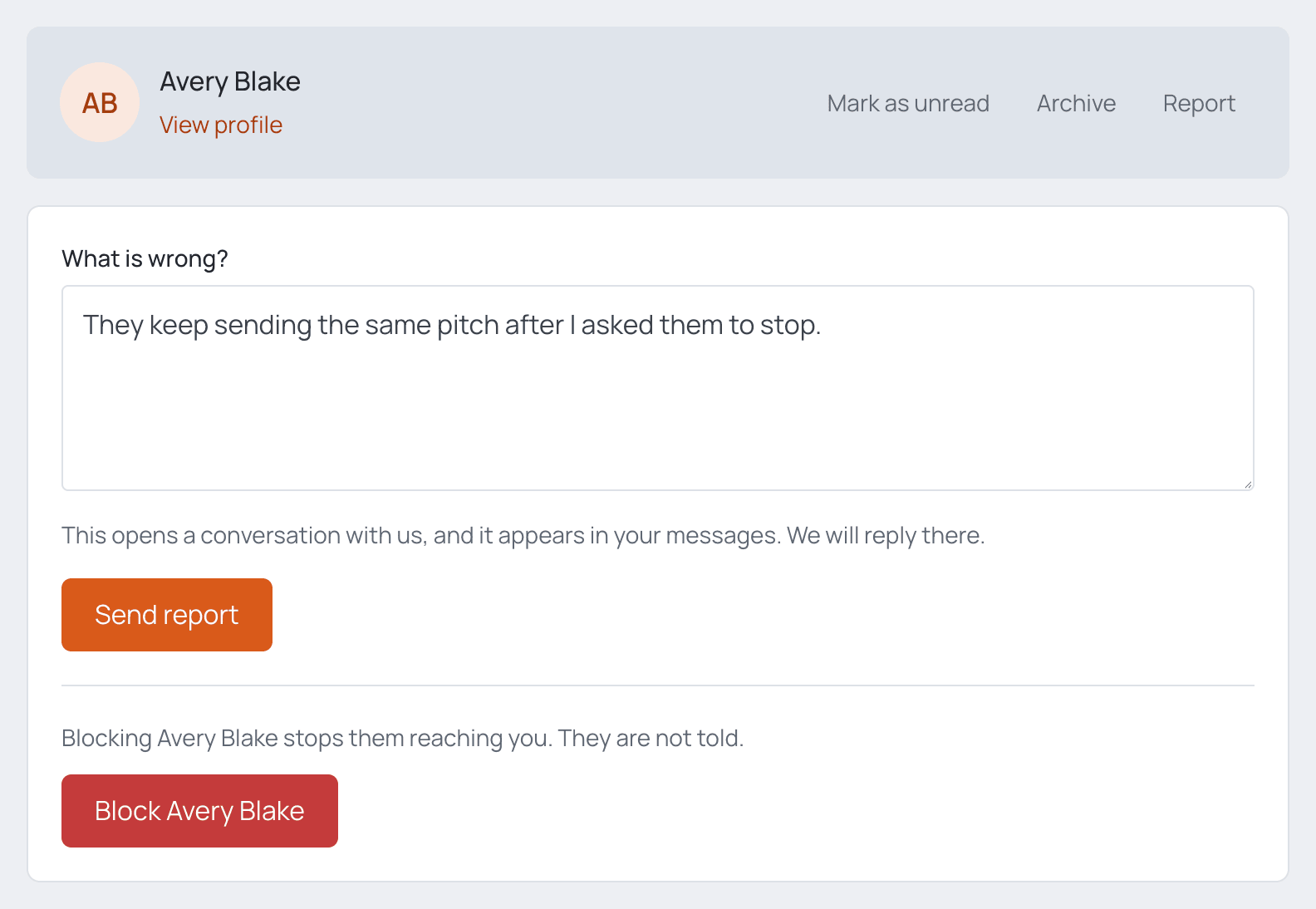
If a conversation ever makes you feel unsafe or uncomfortable, we encourage you to Report the chat.
Your report opens a private conversation with us, right in your Messages. We'll reply there.
Once it's been handled, the report is marked as resolved. If the problem comes back, you can reopen it.
Your conversations stay private
System Admins only open a conversation after it has been reported, and only the one that was reported.
Block someone
Rather not hear from someone again? Blocking them stops them from reaching you, and they won't be notified.
For the rules that keep spam out of your inbox, see the Messaging System page.
Questions or Feedback?
Please click the Feedback flag in the corner to initiate a message to support.
We welcome all messages, and look forward to hearing from you!